

debodun
SF VIP
- Location
- way upstate in New York, USA
I've tried several times and cleared the cookies, but I still get this message. What does it mean and is there a workaround?
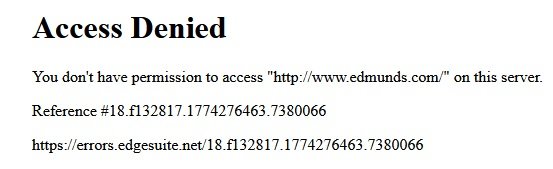


Is it the car site? If so, change the first part so it reads https://edmunds.comI've tried several times and cleared the cookies, but I still get this message. What does it mean and is there a workaround?
View attachment 493052
Try putting it in your browser (where the address goes)Yes, the car site. I clicked on your link and still get the same message.


On my Windows 11 laptop, I have no problem accessing www.edmunds.com, but I just now tried it on my WIndows 7 laptop, and I get the same error message.I've tried several times and cleared the cookies, but I still get this message. What does it mean and is there a workaround?
View attachment 493052

Yes, must be that... Sunkist's link took me right to the Edmunds site without a problem.Then it is your computer or your internet with the problem.
Ah ha! Windows 7... yep, I'll bet Detective Mack has it right because I think Deb has mentioned using that.On my Windows 11 laptop, I have no problem accessing www.edmunds.com, but I just now tried it on my WIndows 7 laptop, and I get the same error message.

Or install a new OS on current computer.Might have to consider a new computer with a more recent OS.
I don't think that is an option for her. Win7 is the most recent her old computer can handle, if I remember correctly.Or install a new OS on current computer.
How old and what model is your computer?Or I can try at the local library. Their computers are probably more recent.


I'll know after tomorrow when I have the brake lines inspected.Buying a new car Deb?
